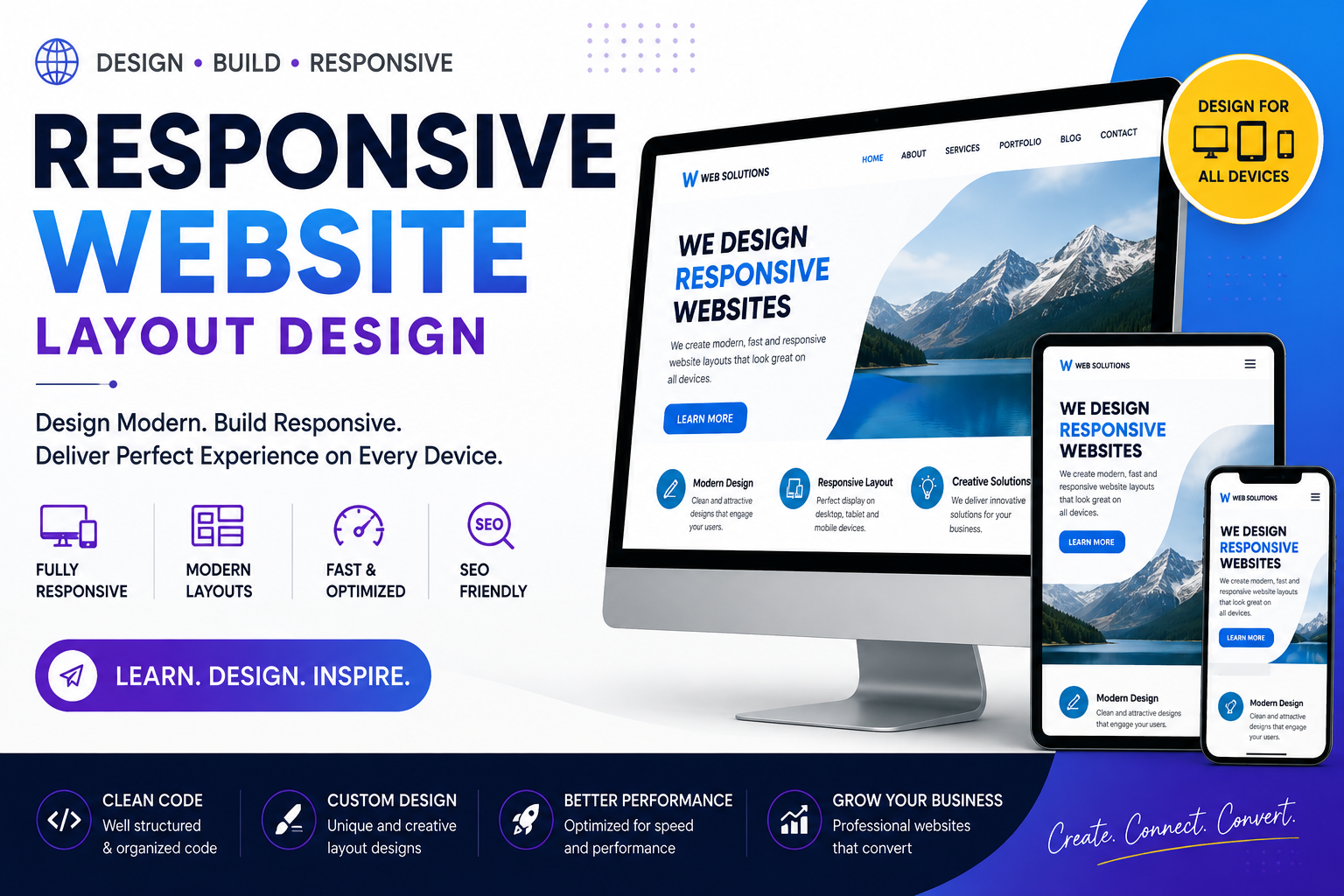
Bootstrap Course
Master Bootstrap 5 for Responsive Website Design & Frontend Development
Learn Bootstrap 5 from beginner to advanced and build responsive, mobile-friendly websites with modern UI components. Master Grid System, Layouts, Forms, Navigation, Cards, Modals, Utilities, Responsive Design, Bootstrap Icons, and live projects with certification and placement assistance.
Bootstrap Course
Bootstrap is one of the world's most popular frontend frameworks for building responsive, mobile-first, and professional websites. It helps developers create modern web interfaces quickly using pre-built components, a powerful grid system, and utility classes.
Our Bootstrap Course is designed for beginners, students, web designers, frontend developers, and professionals who want to create attractive and responsive websites efficiently.
This course covers Bootstrap 5 fundamentals, responsive layouts, navigation bars, forms, cards, buttons, modals, tables, utilities, Bootstrap Icons, customization, and real-world project development. Students gain practical experience through live projects and industry-standard website development.
What You Will Learn
Bootstrap Fundamentals
- Introduction to Bootstrap
- Bootstrap 5 Installation
- CDN & Local Setup
- Bootstrap Grid System
- Containers
- Rows & Columns
- Responsive Breakpoints
Layout & Components
- Typography
- Buttons
- Cards
- Alerts
- Badges
- Breadcrumbs
- Pagination
- Progress Bars
- Spinners
- Accordions
Navigation
- Navbar
- Dropdown Menu
- Offcanvas Menu
- Tabs
- Pills
- Breadcrumb Navigation
Forms
- Bootstrap Forms
- Input Groups
- Validation
- Checkboxes
- Radio Buttons
- Select Boxes
- Floating Labels
Advanced Bootstrap
- Modals
- Carousel
- Collapse
- Toast Notifications
- Tooltips
- Popovers
- Bootstrap Icons
- Utility Classes
- Flex Utilities
- Responsive Utilities
Customization
- Custom CSS with Bootstrap
- Theme Customization
- Responsive Design
- Mobile-First Development
- Performance Optimization
Development Tools
- Visual Studio Code
- Chrome Developer Tools
- Git & GitHub
- Live Server
- Browser Testing
Live Projects
- Business Website
- Landing Page
- Portfolio Website
- Restaurant Website
- Travel Website
- Corporate Website
- Admin Dashboard
- E-Commerce Homepage
- Digital Agency Website
Who Can Join?
- Beginners
- Students
- Web Designers
- Frontend Developers
- Freelancers
- Graphic Designers
- Working Professionals
- Job Seekers
Career Opportunities
After completing this course, students can work as:
- Frontend Developer
- Bootstrap Developer
- Web Designer
- Responsive Web Designer
- UI Developer
- Website Designer
- HTML/CSS Developer
- Freelance Web Developer