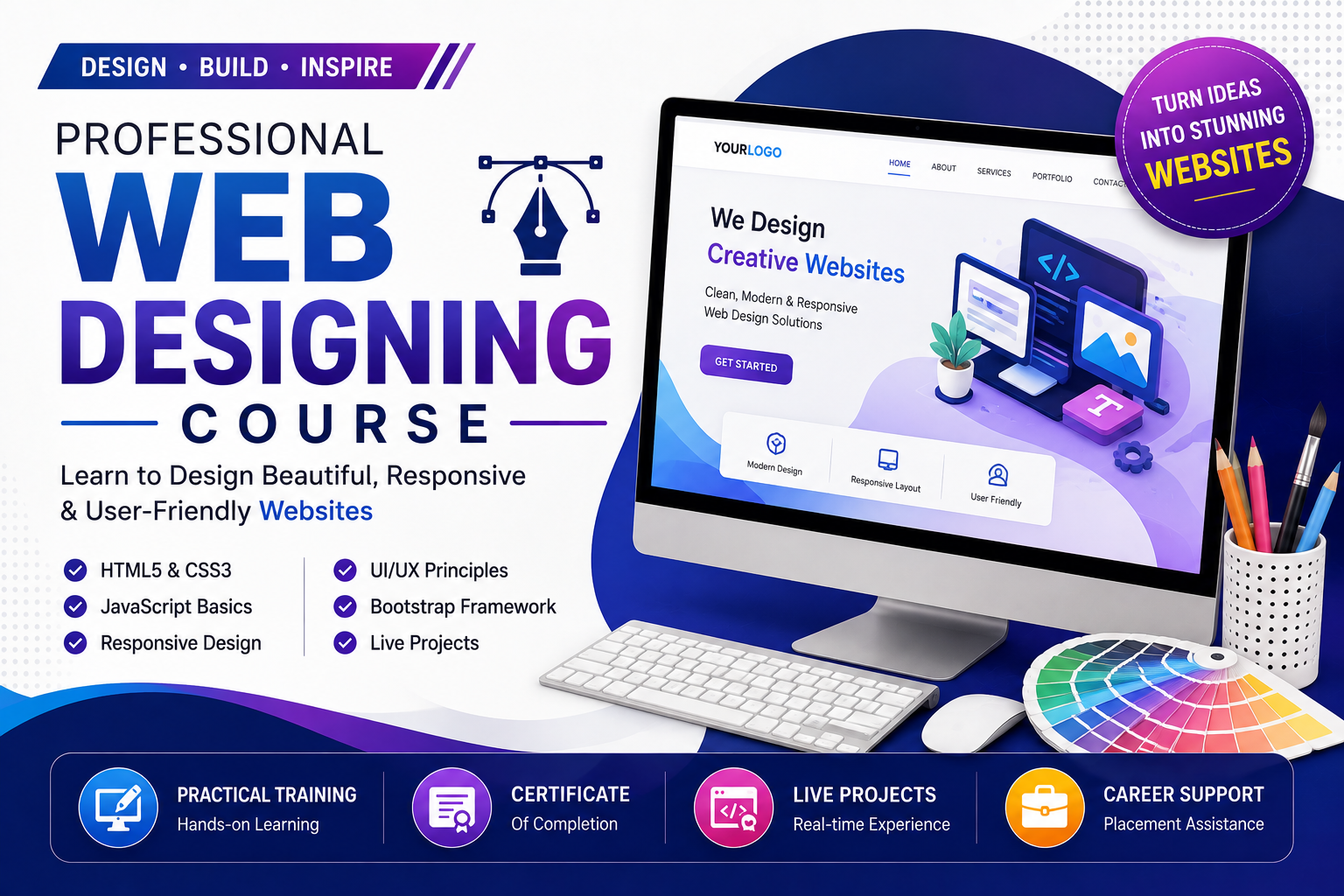
Professional Web Designing Course
Master HTML, CSS, JavaScript, Bootstrap, Tailwind CSS & UI/UX Design
Become a professional Web Designer by learning HTML5, CSS3, JavaScript, Bootstrap, Tailwind CSS, Responsive Web Design, UI/UX Design, Figma to HTML, CSS Animations, Website Optimization, and Live Projects. Gain practical skills with hands-on training, certification, and placement assistance.
Professional Web Designing Course
The Professional Web Designing Course is a comprehensive program designed for beginners, students, freelancers, entrepreneurs, and aspiring web designers who want to build modern, responsive, and visually stunning websites.
This course covers everything from web design fundamentals to advanced frontend technologies, enabling students to create professional business websites, landing pages, portfolios, eCommerce interfaces, and corporate websites. Through practical assignments, live projects, and industry-focused training, you will gain the skills required to become a job-ready Web Designer.
Our expert trainers focus on real-world website development, UI/UX best practices, responsive design, and modern web technologies used by top IT companies.
What You Will Learn
HTML5
- HTML Structure
- Semantic HTML
- Forms & Input Elements
- Tables & Lists
- Multimedia Integration
- HTML Best Practices
CSS3
- CSS Fundamentals
- Selectors
- Colors & Typography
- Flexbox
- CSS Grid
- Animations
- Transitions
- Responsive Layouts
JavaScript
- Variables & Data Types
- Functions
- Events
- DOM Manipulation
- Form Validation
- Interactive Web Pages
- ES6 Basics
Frontend Frameworks
- Bootstrap 5
- Tailwind CSS
- Responsive Components
- Navigation Menus
- Cards & Modals
- Landing Pages
UI/UX Design
- UI Design Principles
- UX Fundamentals
- Color Theory
- Typography
- Wireframing
- Prototyping
- Figma to HTML Conversion
- Adobe XD Basics
Responsive Web Design
- Mobile-First Design
- Media Queries
- Cross-Browser Compatibility
- Website Optimization
- SEO-Friendly Design
- Accessibility Basics
Development Tools
- Visual Studio Code
- Chrome Developer Tools
- Git & GitHub
- Netlify
- Vercel
- Live Server Extension
Live Projects
- Business Website
- Portfolio Website
- Restaurant Website
- Travel Website
- School Website
- Hospital Website
- Corporate Landing Page
- Digital Agency Website
- E-Commerce Homepage
- Real Estate Website
Who Can Join?
- Beginners
- Students
- Graphic Designers
- Web Design Enthusiasts
- Freelancers
- Business Owners
- Working Professionals
- Job Seekers
Career Opportunities
After completing this course, students can work as:
- Web Designer
- Frontend Web Developer
- UI Designer
- Responsive Web Designer
- HTML/CSS Developer
- Landing Page Designer
- Website Designer
- UI/UX Designer (Entry Level)
- Freelance Web Designer