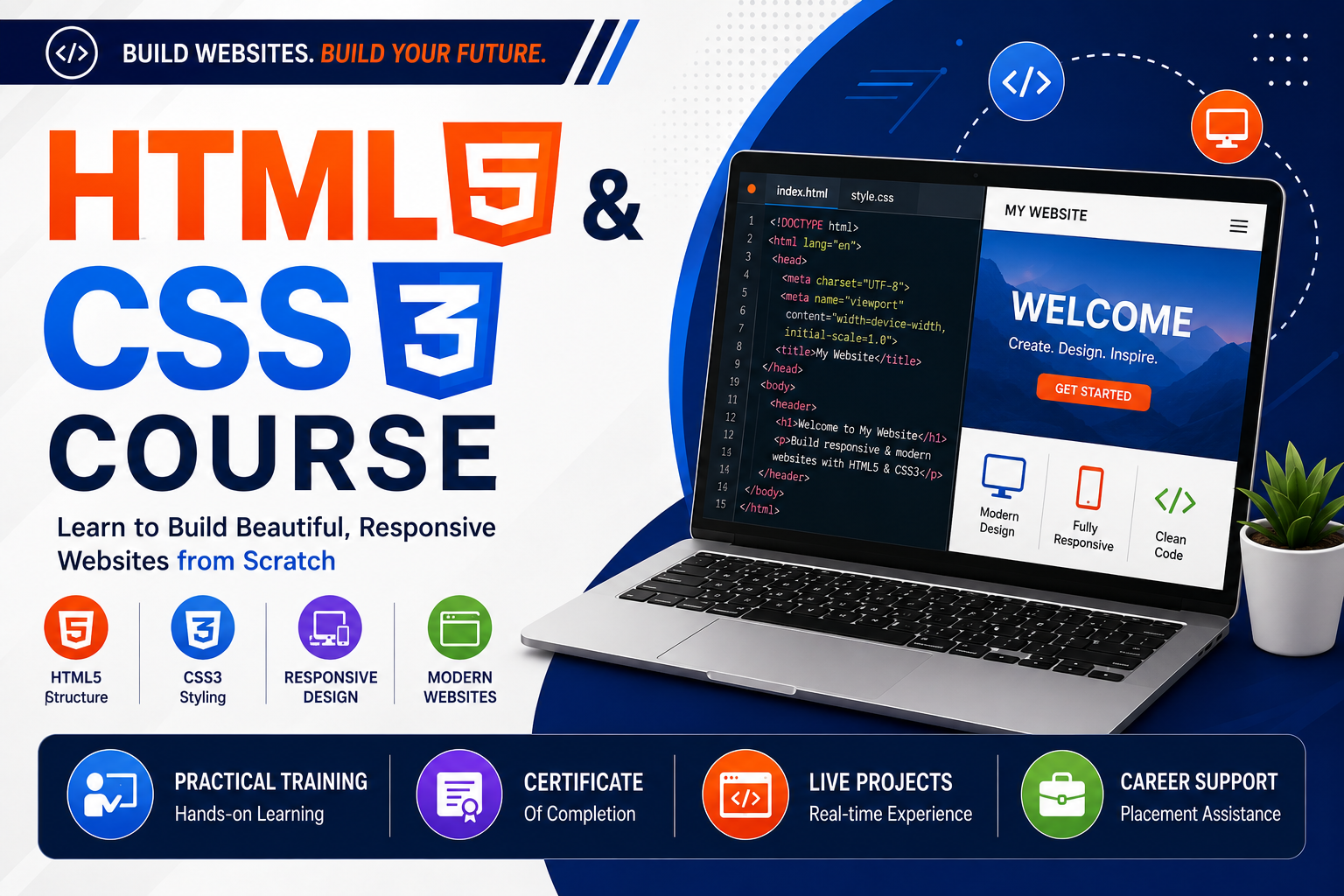
HTML5 & CSS3 Course
Master HTML5 & CSS3 for Responsive Website Design and Modern Web Development
Learn HTML5 and CSS3 from beginner to advanced with responsive web design, Flexbox, CSS Grid, animations, forms, semantic HTML, media queries, and real-world website projects. Build modern, mobile-friendly websites with practical training, certification, and placement assistance.
HTML5 & CSS3 Course
The HTML5 & CSS3 Course is designed for beginners, students, freelancers, and aspiring web designers who want to build professional, responsive, and visually appealing websites from scratch.
In this course, you will learn the latest HTML5 and CSS3 standards, semantic web structure, responsive layouts, Flexbox, CSS Grid, animations, transitions, media queries, and website optimization techniques. Through practical assignments and live projects, you'll gain hands-on experience in designing modern websites used by businesses and organizations worldwide.
This course provides a strong foundation for Frontend Development and prepares you for advanced technologies like JavaScript, Bootstrap, React JS, and Full Stack Development.
What You Will Learn
HTML5 Fundamentals
- Introduction to HTML5
- HTML Document Structure
- Semantic HTML Elements
- Headings & Paragraphs
- Links & Navigation
- Images & Multimedia
- Lists & Tables
- Forms & Input Elements
- Audio & Video Tags
- Iframes
- Meta Tags
- SEO-Friendly HTML
- Accessibility Basics
CSS3 Fundamentals
- CSS Syntax
- Selectors
- Colors & Backgrounds
- Fonts & Typography
- Borders & Shadows
- Box Model
- Display Properties
- Positioning
- Float & Clear
- Overflow
- Z-Index
Responsive Web Design
- Media Queries
- Mobile-First Design
- Responsive Images
- Responsive Navigation
- Cross-Browser Compatibility
- Viewport Settings
Advanced CSS3
- Flexbox
- CSS Grid
- Transitions
- Animations
- Transform Effects
- Gradient Backgrounds
- CSS Variables
- Custom Fonts
- Hover Effects
Development Tools
- Visual Studio Code
- Chrome Developer Tools
- Live Server
- Git & GitHub
- Browser Testing
Live Projects
- Personal Portfolio Website
- Business Website
- Restaurant Website
- Travel Website
- School Website
- Landing Page
- Digital Agency Website
- Corporate Homepage
- Responsive Blog Website
Who Can Join?
- Beginners
- Students
- Web Design Enthusiasts
- Graphic Designers
- Freelancers
- Digital Marketing Professionals
- Working Professionals
- Job Seekers
Career Opportunities
After completing this course, students can work as:
- HTML Developer
- CSS Developer
- Frontend Web Designer
- Web Designer
- Website Designer
- UI Designer
- Landing Page Developer
- Freelance Web Designer