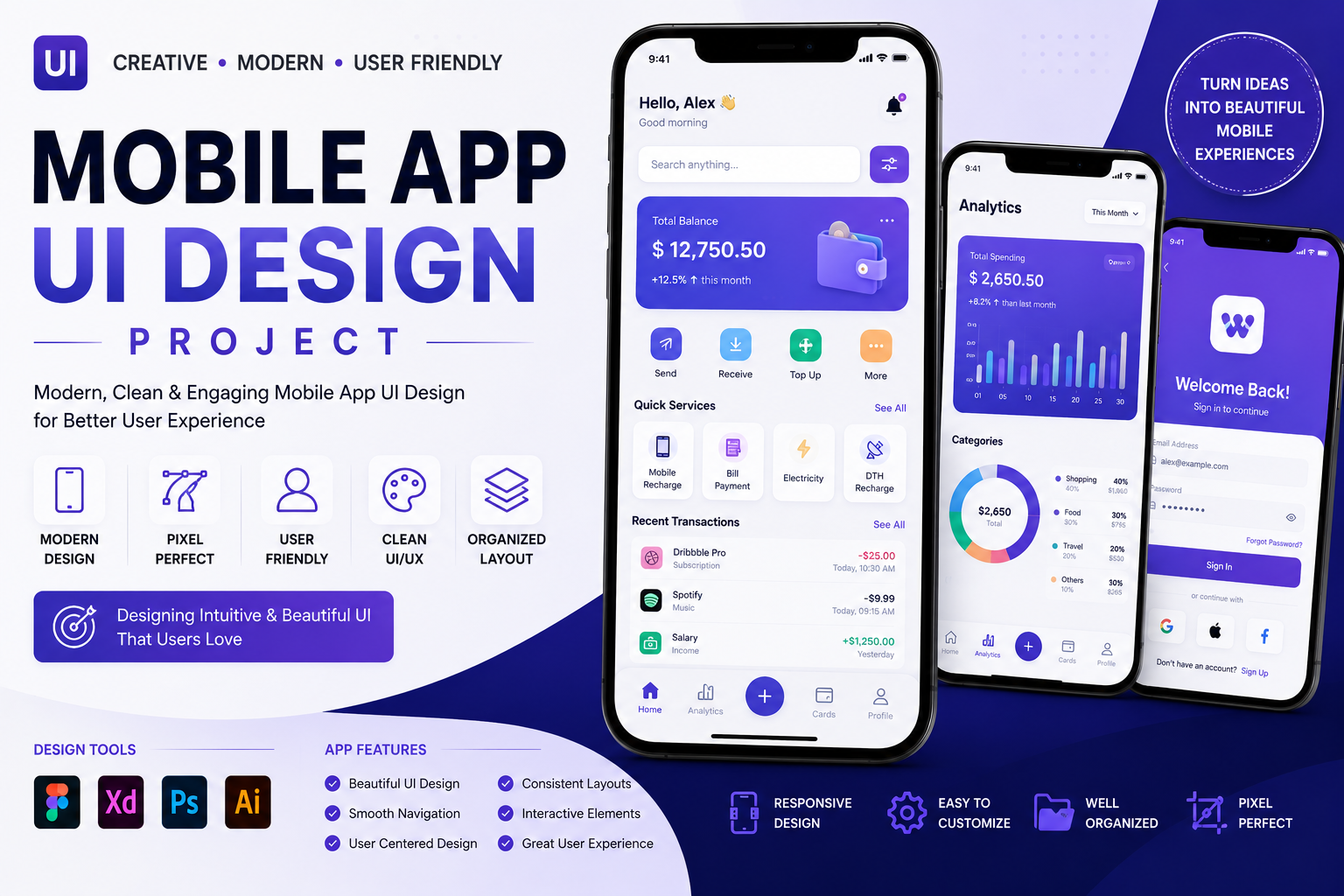
UI/UX Designing Course
Master UI/UX Design with Figma, Adobe XD, Prototyping & User Experience Design
Learn UI/UX Designing from beginner to advanced using Figma, Adobe XD, wireframing, prototyping, design systems, user research, usability testing, responsive design, and real-world projects. Build professional web and mobile app interfaces with hands-on training, certification, and placement assistance.
UI/UX Designing Course
The UI/UX Designing Course is a comprehensive program designed for beginners, students, graphic designers, web designers, entrepreneurs, and professionals who want to create modern, user-friendly digital experiences.
This course covers everything from UI design fundamentals to advanced UX strategies, including user research, wireframing, prototyping, design systems, responsive layouts, mobile app design, web application design, usability testing, and portfolio creation.
You will gain practical experience by designing real-world websites, mobile applications, dashboards, and business interfaces using industry-standard tools like Figma and Adobe XD.
What You Will Learn
UI Design Fundamentals
- Introduction to UI Design
- Design Principles
- Color Theory
- Typography
- Layout Design
- Visual Hierarchy
- Icons & Illustrations
- White Space
- Design Consistency
UX Design
- User Experience Fundamentals
- User Research
- User Personas
- Customer Journey Mapping
- Information Architecture
- User Flow Design
- Interaction Design
- Usability Principles
- Accessibility (WCAG Basics)
Wireframing & Prototyping
- Low-Fidelity Wireframes
- High-Fidelity Wireframes
- Interactive Prototypes
- Clickable Prototypes
- User Testing
- Design Validation
Figma
- Figma Interface
- Components
- Auto Layout
- Design Systems
- Variables
- Team Collaboration
- Prototyping
- Developer Handoff
Adobe XD
- Adobe XD Basics
- Responsive Resize
- Components
- Repeat Grid
- Interactive Prototypes
- Design Sharing
Mobile & Web Design
- Responsive Web Design
- Mobile App UI Design
- Dashboard Design
- Landing Page Design
- E-Commerce UI
- SaaS Dashboard
- Admin Panel Design
Development Collaboration
- Figma to HTML Workflow
- Design Tokens
- Asset Export
- UI Documentation
- Collaboration with Developers
Live Projects
- Food Delivery Mobile App
- E-Commerce Mobile App
- Banking App UI
- Hospital Management Dashboard
- Admin Panel UI
- Travel Booking App
- Portfolio Website Design
- SaaS Dashboard
- Restaurant Website UI
- Corporate Business Website
Who Can Join?
- Beginners
- Students
- Graphic Designers
- Web Designers
- Frontend Developers
- Product Designers
- Freelancers
- Working Professionals
- Job Seekers
Career Opportunities
After completing this course, students can work as:
- UI Designer
- UX Designer
- UI/UX Designer
- Product Designer
- Mobile App Designer
- Web Designer
- Interaction Designer
- Visual Designer
- Freelance UI/UX Designer